How to Setup Flutter on MacOS ( 2026 Guide )
flutter
IA
Irfan Ahmad
Flutter & iOS Developer
July 15, 20262 min read
Get the Flutter SDK running on your Mac and pass flutter doctor clean.
Why it matters
- macOS is the only platform that can build for both iOS and Android from one machine
- Google's VS Code extension installer handles most of this automatically now, so manual PATH editing is mostly optional
flutter doctoris the single command that tells you exactly what's still broken
1. Install the editor extension (easiest path)
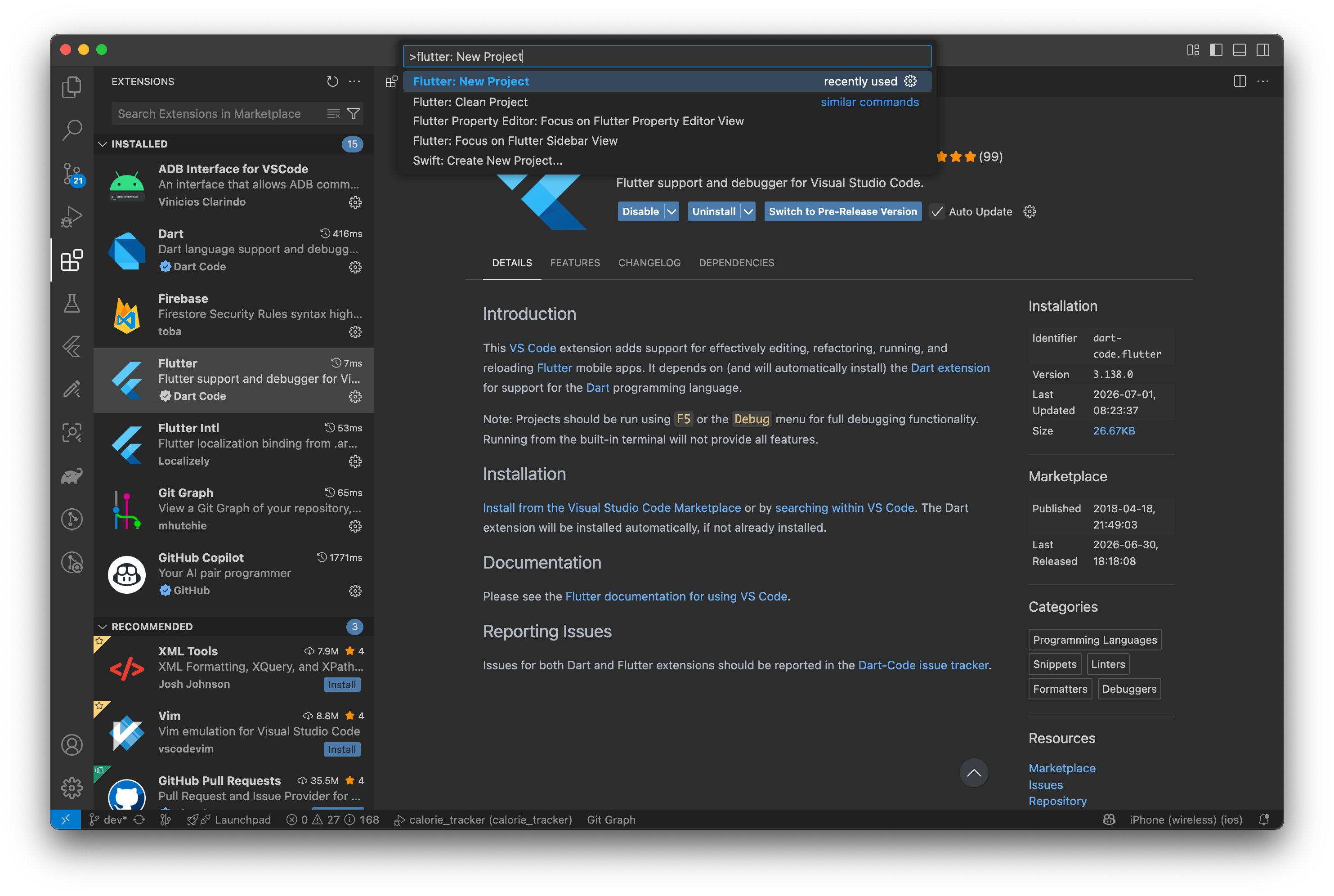
- Install VS Code, then search "Flutter" in the Extensions panel and install it
- On first Flutter command, VS Code prompts to download the SDK for you — no manual PATH edit needed
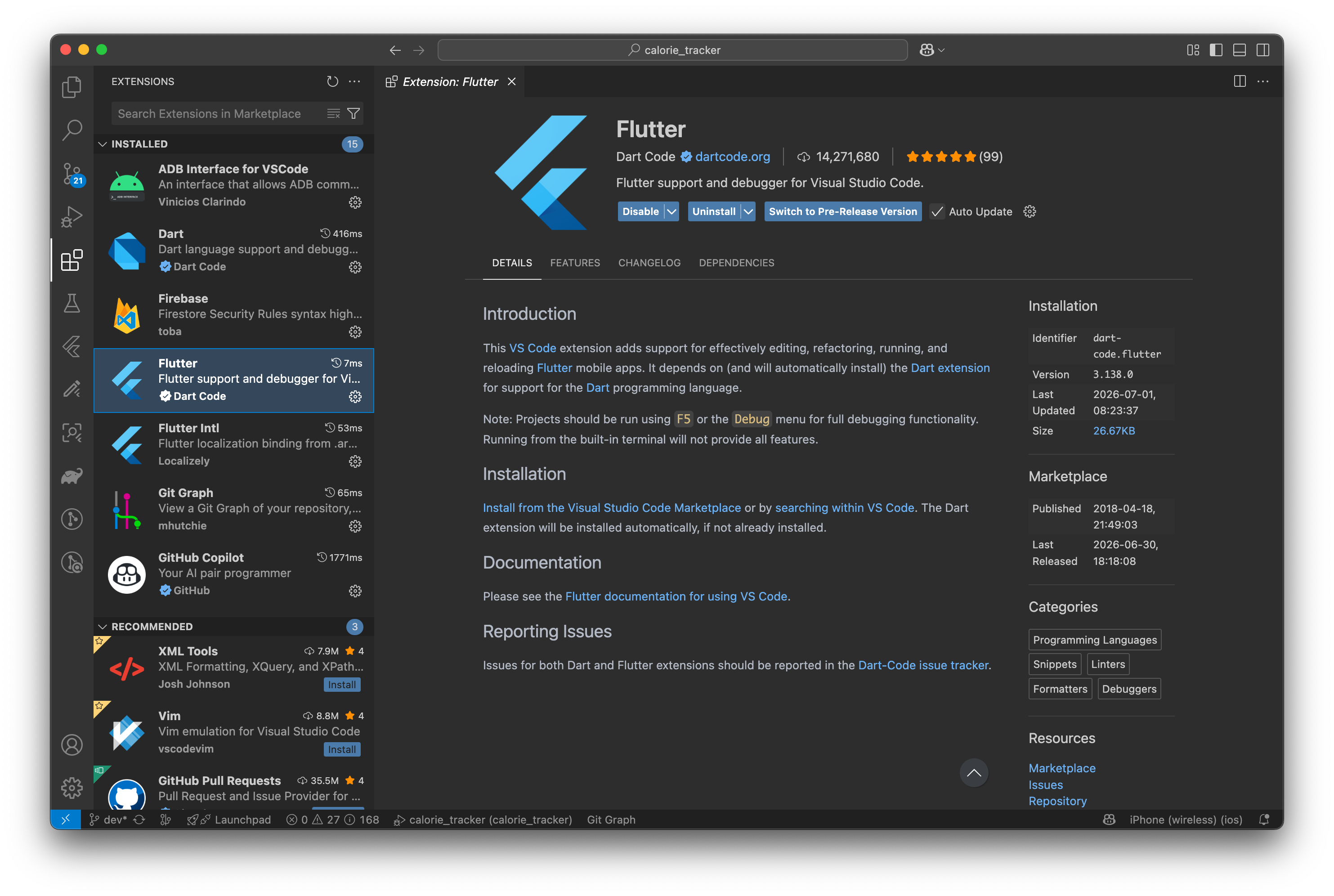
Install Flutter Extension
2. Manual SDK install (if you skip the extension, or want full control)
- Check your chip first: Apple menu → About This Mac → note Apple Silicon vs Intel
- Download the matching SDK zip from Flutter's site
- Extract to
~/develop/(or wherever you keep dev tools) - Add to PATH: open
~/.zshrc, addexport PATH="$PATH:$HOME/develop/flutter/bin", thensource ~/.zshrc
3. Xcode setup (needed for iOS builds)
- Install Xcode from the App Store — this step is slow, expect 30-60+ min
- Run:
sudo xcode-select -s /Applications/Xcode.app/Contents/Developer && xcodebuild -runFirstLaunch - Accept the Xcode license when prompted
- Apple Silicon only: run
sudo softwareupdate --install-rosetta --agree-to-license
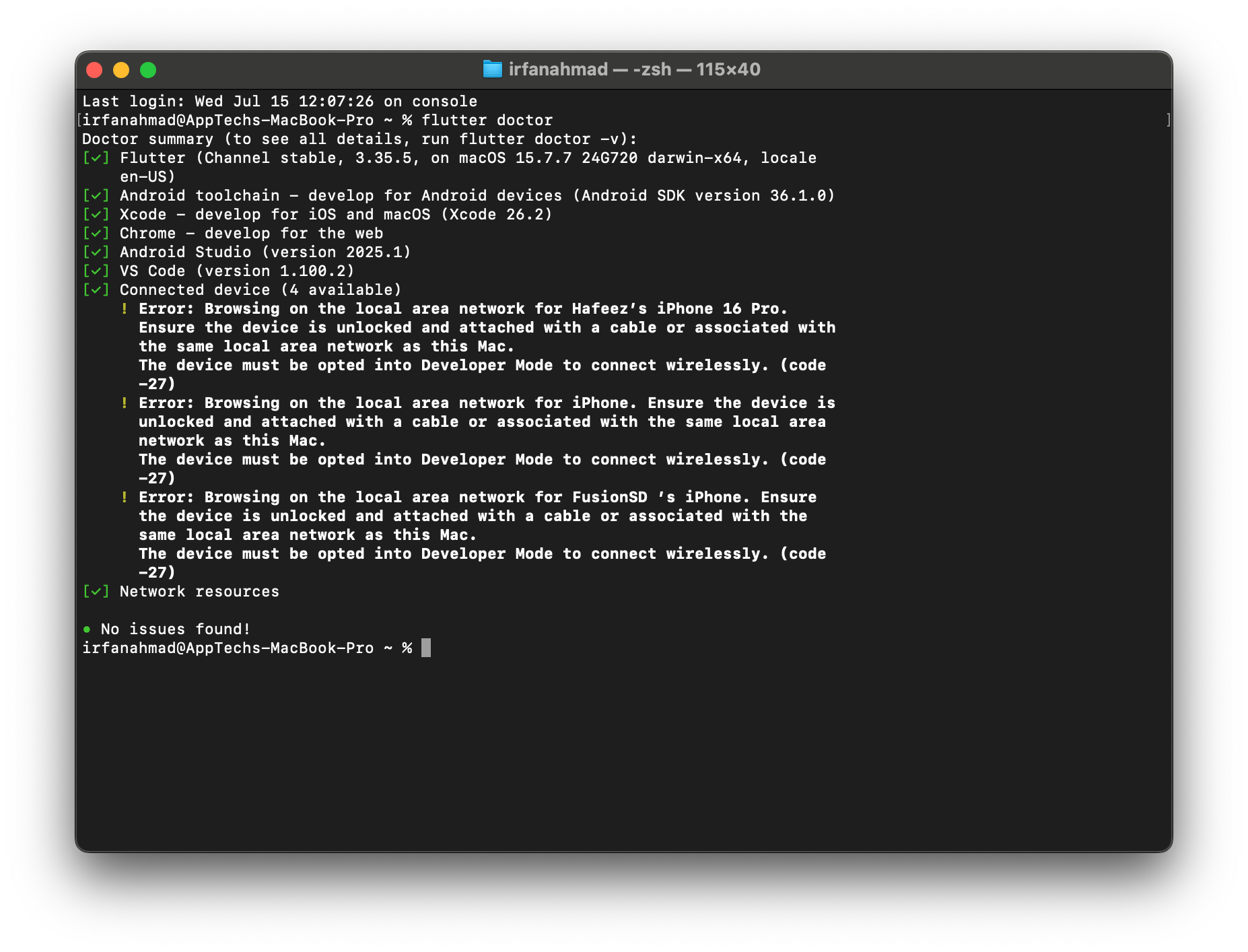
4. Run flutter doctor and fix what it flags
- Run
flutter doctorin terminal - The full
flutter doctoroutput. Every[✗]line tells you exactly what's missing (missing Android SDK, unaccepted licenses, Xcode not found, etc.) — crop/highlight the red[✗]lines specifically, that's the part worth showing - Common fix:
flutter doctor --android-licensesto accept SDK licenses if Android toolchain shows an error - Common fix: if
fluttercommand isn't found after PATH edit, close and reopen the terminal fully (asourcein one tab doesn't propagate to others)
5. Confirm everything works
- Install Android Studio (needed for the Android SDK even if you don't use it as your editor)
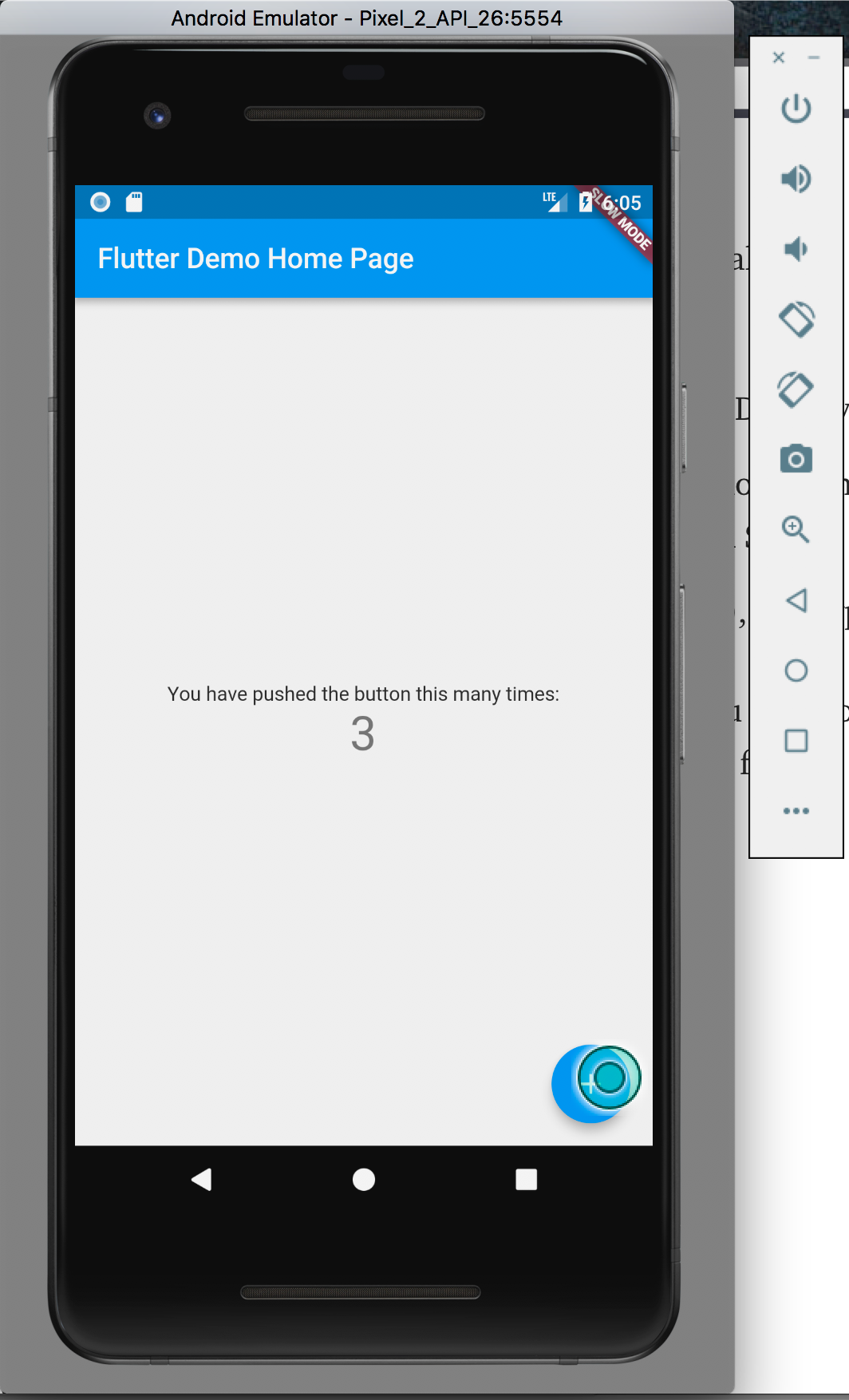
flutter create my_app && cd my_app && flutter run